Never Run Out of
Stock Again

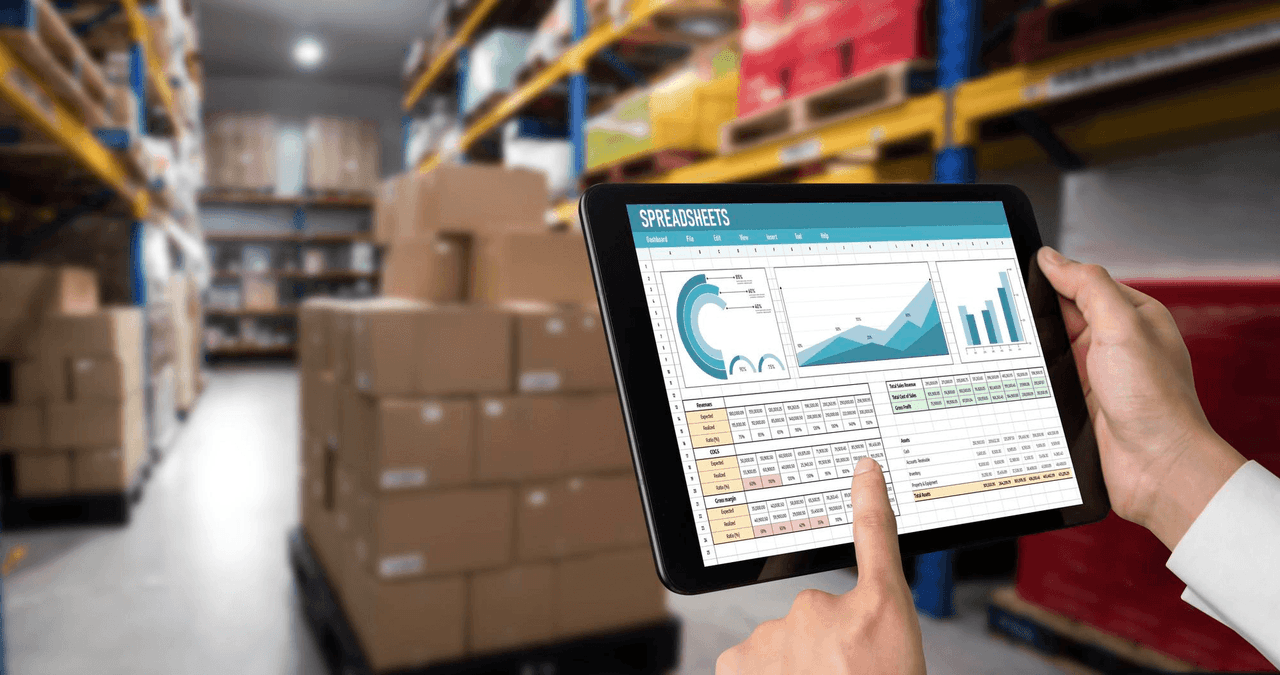
Track every item from shelf to sale. Get low-stock alerts before you run out, manage purchase orders, log wastage, and control multi-location stock — all from one dashboard.

Real-time stock
Auto alerts
Multi-location
24/7 support
Ritaya Inventory Management
30%
Avg. waste reduction reported
Real-time
Stock updates after every sale
Multi-location
Manage all branches centrally
Auto-alerts
Low-stock notifications

Real-Time Stock Tracking

Every sale, purchase, return, and wastage entry updates your stock count instantly. No more manual counting at day-end — your inventory is always accurate.

  • Stock auto-deducted on every bill generated
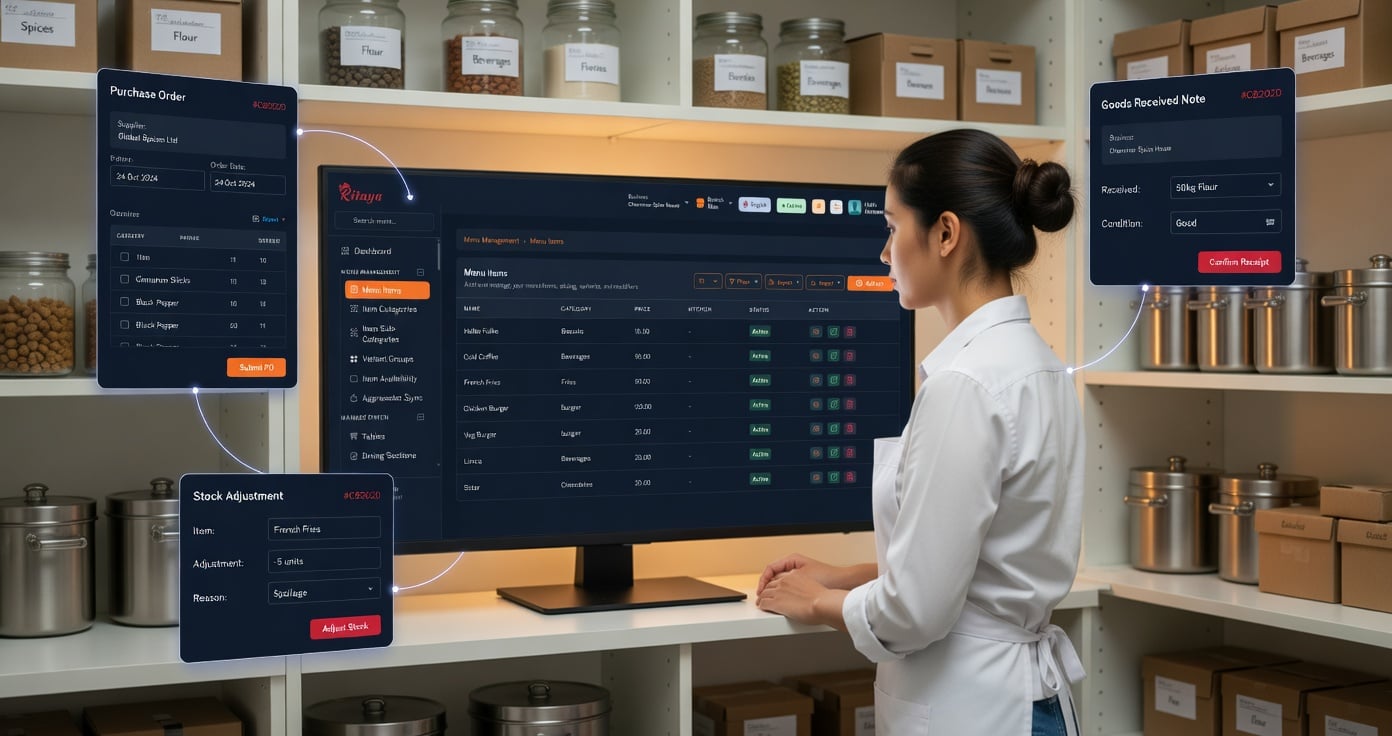
  • Manual stock adjustments with reason logging
  • Variant-level tracking — size, colour, SKU
  • Batch & expiry date tracking for pharmacy/grocery
  • Stock value report — FIFO/LIFO costing
Inventory Management System

Low-Stock Alerts & Reorder Points

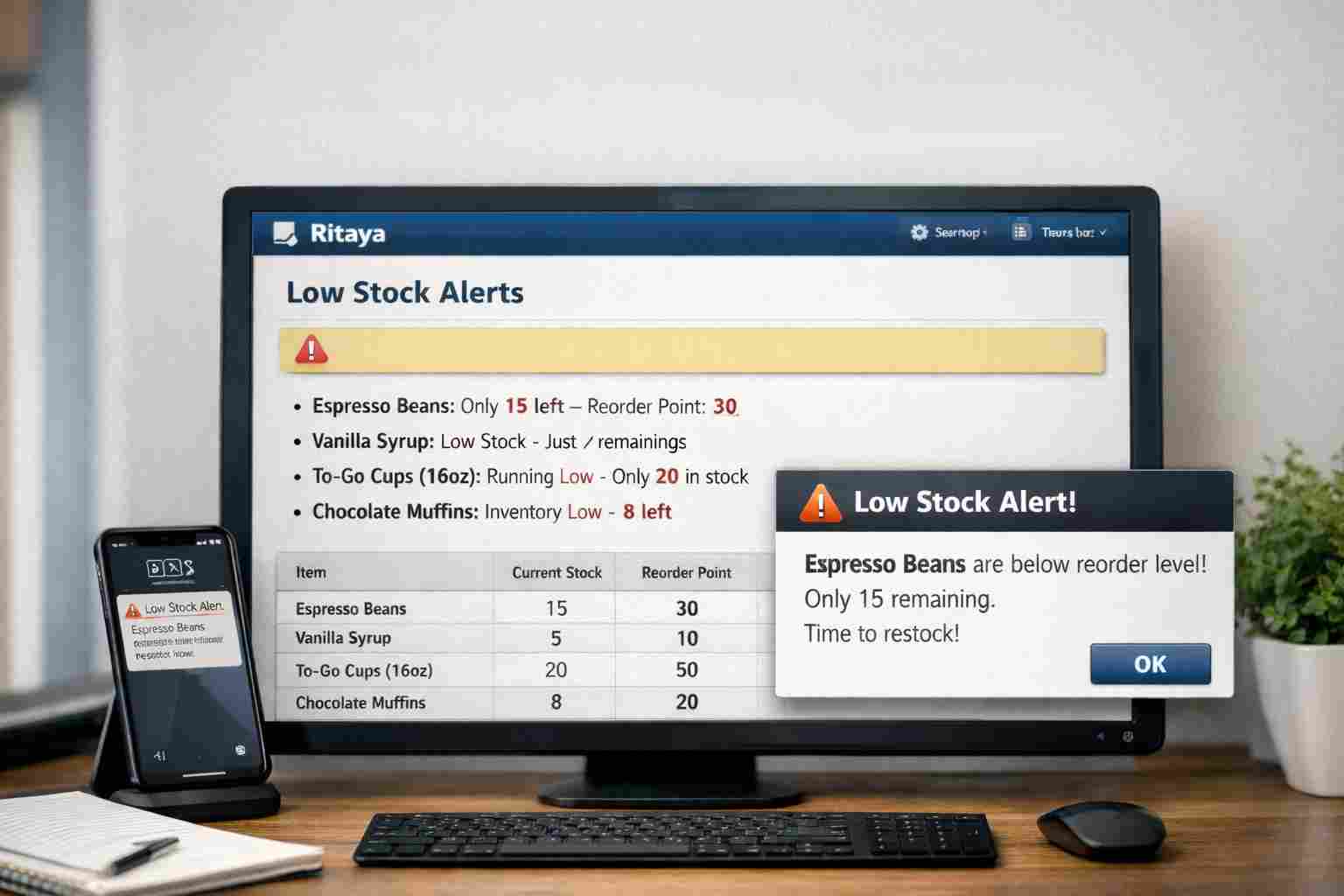
Set minimum stock thresholds for every item. Ritaya sends instant alerts when quantities drop below reorder levels — so you never run out of a bestseller during peak hours.

"We used to run out of paneer every weekend. Now Ritaya alerts us on Friday afternoon to restock. Stock-outs dropped by 80%."

— Desi Kitchen, Pune

  • Set reorder points per item
  • Alerts on screen and via notification
  • Auto-generate draft purchase orders from alerts
Low Stock Alerts

Purchase Orders

Create purchase orders for suppliers directly from Ritaya. Track order status — pending, received, partially received. Update stock automatically when goods arrive.

  • Supplier directory management
  • One-click PO creation from low-stock list
  • Partial receipt tracking
  • Purchase history & supplier reports
Purchase Orders

Recipe & Wastage Management

For restaurants and cafes, Ritaya lets you define recipes for menu items. When a dish is sold, the raw ingredients are auto-deducted from inventory. Track wastage separately to understand where losses occur.

  • Define ingredient-level recipes for every dish
  • Auto-deduct raw materials on sale
  • Log wastage with reason — cooking, expiry, spillage
  • Theoretical vs actual stock comparison report
Recipe Management

Complete Inventory Control

Multi-Location Stock

Track inventory separately per branch. Transfer stock between locations. View consolidated reports across all outlets.

Barcode Generation

Auto-generate and print barcodes for your products. Speeds up retail billing and stock-taking dramatically.

Stock-Taking

Conduct physical stock audits and reconcile with system records. Identify shrinkage and discrepancies instantly.

Inventory Valuation

Know the exact value of your current stock at any time. Useful for accounting, insurance, and financial planning.

Supplier Management

Maintain a complete supplier directory with contact details, payment terms, and purchase history per vendor.

CSV Import/Export

Bulk upload inventory via Excel/CSV. Export stock reports for accounting software integration.

Inventory FAQs

Does inventory update automatically when I bill?
Yes. Every time a bill is generated and paid, the stock quantities for all sold items are automatically deducted. There's no manual step required. Refunds and cancellations also update stock in reverse.
Can I track inventory for multiple branches?
Yes. Each branch has its own inventory. You can also do inter-branch stock transfers. The central admin dashboard shows consolidated stock across all locations with branch-wise drill-down.
Does inventory management work offline?
Stock deductions from billing work fully offline. Purchase order creation and multi-branch transfers require connectivity. All offline changes sync when the internet returns.
Can I set different reorder points for different items?
Yes. Each product has its own minimum stock level and reorder quantity. Some businesses set high reorder points for fast-moving items and low ones for slow movers.
Is recipe-based inventory available for all plan tiers?
Recipe management and raw material tracking is included in our Growth and Enterprise plans. Check the pricing page for a full feature comparison by plan.

Stop guessing your stock levels

Set up Ritaya's inventory module in under an hour. Import your product list from Excel and start tracking from day one.

Get Started Free Talk to Sales