Build Your
Perfect Digital Menu

Create categories, add item images, set up variants, modifiers, and add-ons — all from a simple admin panel. Changes sync across all devices and online platforms instantly.

Unlimited items
Variants & modifiers
Instant sync
24/7 support
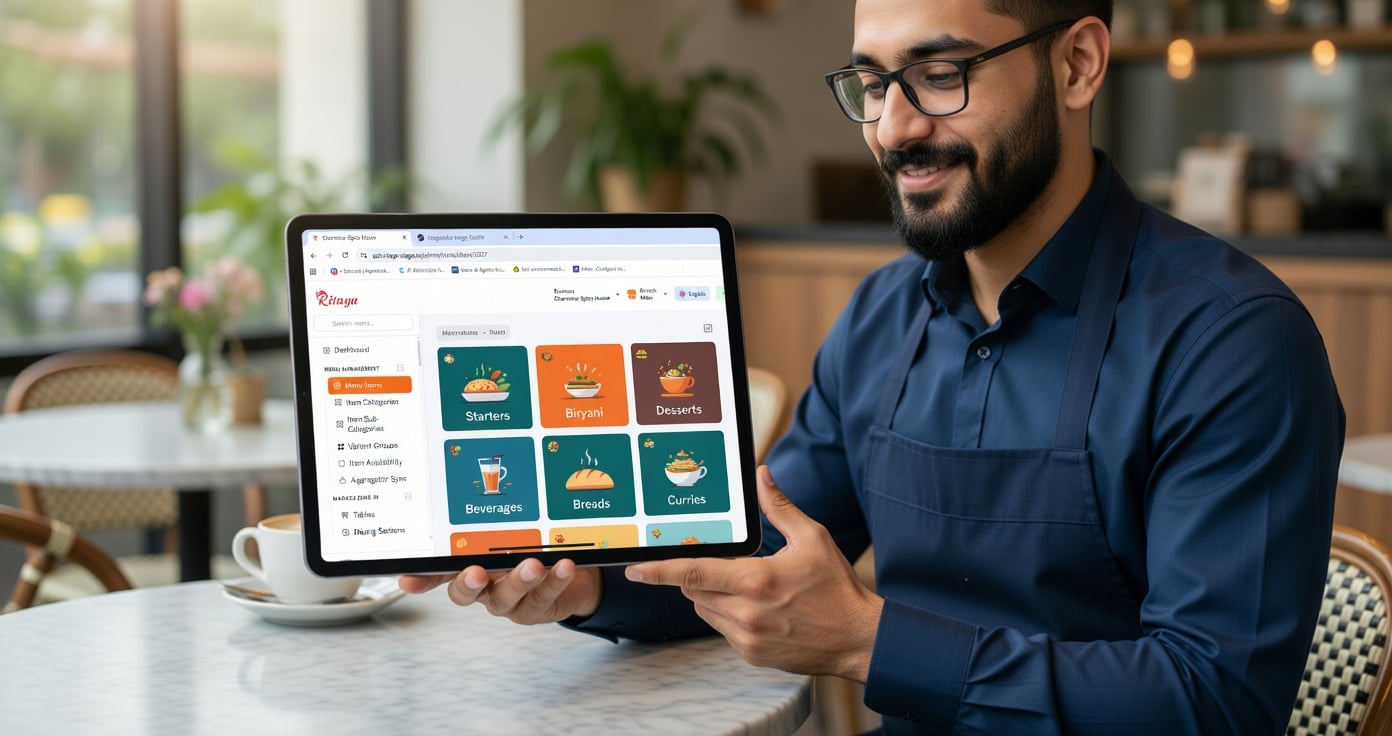
Ritaya Menu Management

Category & Item Management

Organise your entire menu into categories and subcategories. Add items with prices, taxes, descriptions, and images. Bulk-import from Excel. Sort categories and items to control how they appear at the billing counter.

  • Unlimited categories and items
  • Veg / Non-veg / Vegan tags
  • Mark items as available / unavailable instantly
  • Drag-and-drop sort order for categories & items
  • Excel/CSV bulk import with price override
 Reporting & Analytics

Modifier Groups & Add-ons

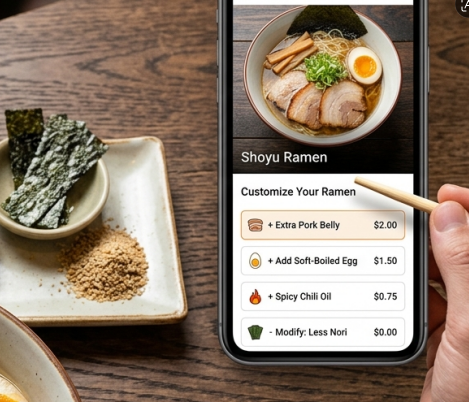
Handle complex customisation with ease. Create modifier groups (size, spice level, cooking style) and add-on groups (extra toppings, sides, sauces). Apply them to multiple items at once. Modifiers print on the KOT exactly as ordered.

Example: Burger customisation

Bun: Regular / Whole Wheat / Gluten-free Patty: Single / Double Add-ons: Extra cheese +₹40, Fries +₹60
  • Single-select & multi-select modifier types
  • Modifier price additions
  • Modifiers print correctly in KOT
  • Reuse modifier groups across multiple items
 Reporting & Analytics

Time-Based Menus

Automatically switch menus based on time of day. Breakfast menu from 7 AM–11 AM, lunch specials from 12–3 PM, happy hour drinks from 5–7 PM. No manual switching — Ritaya handles it automatically.

Breakfast Menu
7:00 AM – 11:00 AM
Happy Hour
5:00 PM – 7:00 PM
Lunch Special
12:00 PM – 3:00 PM
Weekend Menu
Sat & Sun only
Aggregator Integration

Multi-Branch Menu Sync

Running multiple locations? Manage a master menu centrally and push it to all branches with one click. Override specific items per branch for local pricing or availability. No more updating menus branch-by-branch.

  • Master menu pushed to all branches
  • Branch-level price overrides
  • Hide specific items at certain branches
  • Sync to online ordering page & aggregators
Aggregator Integration

Complete Menu Control

Image Upload

Upload item images for kiosk, online ordering page, and captain app. Visual menus improve customer experience and upsell.

Price Variants

Small/Medium/Large, half/full, by weight — create as many price variants as your menu needs.

Item Descriptions

Add rich descriptions, allergen info, and calorie counts to items — displayed in kiosk and online ordering.

Combos & Meal Deals

Create combo offers — e.g. Burger + Fries + Drink at ₹199. Auto-apply the combo price when all items are added.

Quick Edit

Update prices, availability, or descriptions directly from the POS. Changes sync to all devices immediately.

Bulk Operations

Apply price increases across a category, bulk-enable or disable items, or export the full menu to Excel in one click.

Menu Management FAQs

Can I import my existing menu from Excel?
Yes. Download our CSV template, fill in your item names, categories, prices, and tax rates, and upload it. Your entire menu is imported in minutes. Our onboarding team can also do the import for you.
How many modifier groups can I create per item?
There's no hard limit. You can add as many modifier groups as needed per item. Each group can have unlimited options. Groups can be reused across multiple items.
Can I set different prices for dine-in and delivery?
Yes. You can set separate price lists for dine-in, takeaway, delivery, and online ordering channels. The correct price is applied automatically based on the order type.
How quickly do menu changes sync to the POS?
Menu changes sync to all connected POS devices within seconds via our real-time sync service. No need to restart the app or manually refresh.
Can the captain/waiter app see the full menu with images?
Yes. The Ritaya Captain App shows the full menu with images, descriptions, and modifier options. Waiters can take orders at the table with confidence — and the KOT goes directly to the kitchen printer or KDS.

Your menu should work for you, not against you

Set up your menu once, manage it from anywhere, and push changes to all channels in seconds.

Get Started Talk to Sales